Vacations without mental load
Shared calendar, common shopping, fair expenses — one invite code and you're set. Coco helps you plan it all, with data hosted in France.
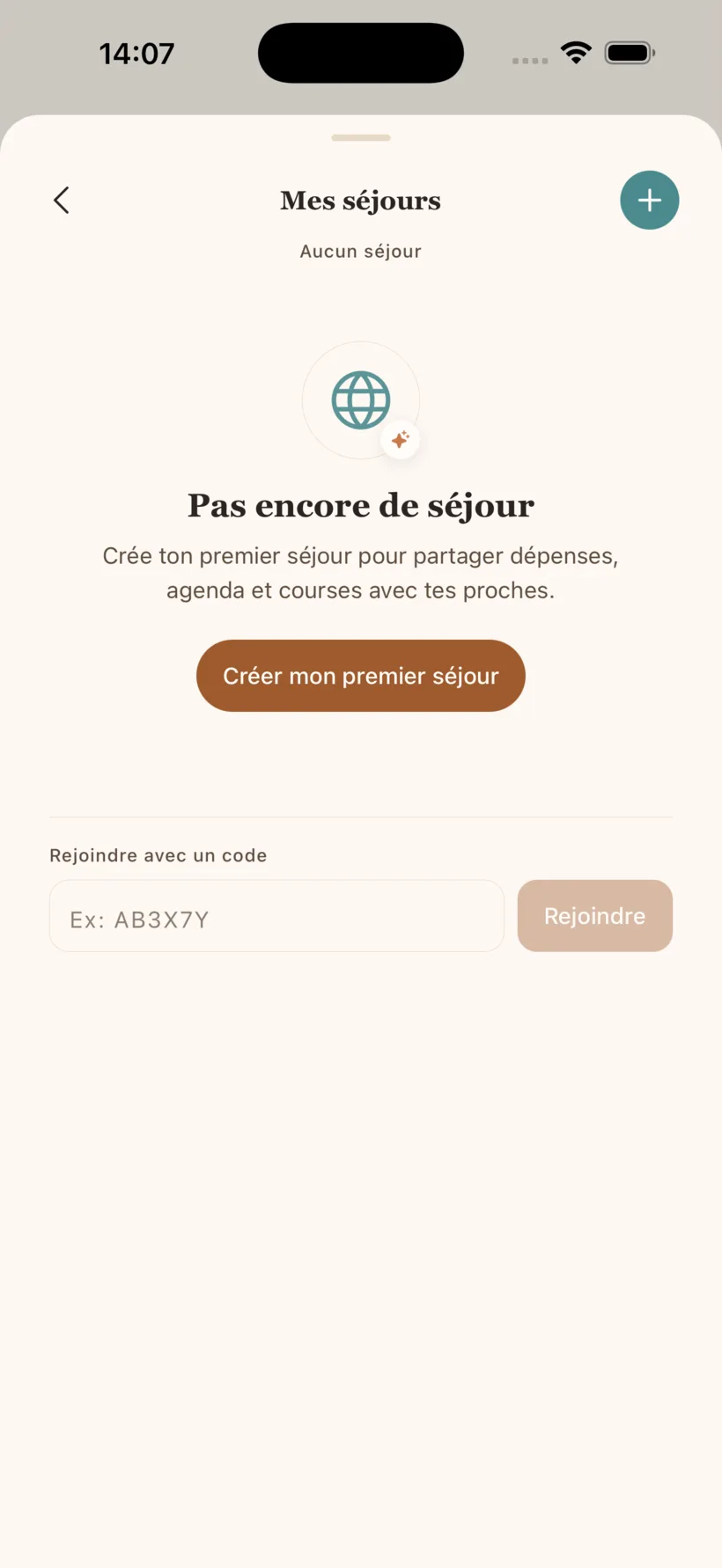
Mental Loadless vacation mode brings several households together around one trip: a shared calendar, a common shopping list, a photo album and an expense tracker that works out who owes whom. One person creates the trip with the Family plan; everyone else joins for free with a six-character code.
Vacation mode in detail
Temporary group
Create a vacation group with a 6-character code. Invite friends, family, multiple households.
Shared calendar
Excursions, restaurants, activities — everyone sees the plan in real time.
Common shopping list
'Who brings what?' is no longer a problem. One list, visible to all.
Expense sharing
Who paid what, who owes how much to whom. Built-in fair split algorithm.
Auto-archive
The group archives automatically after the vacation. Clean, effortless.
Why do group holidays take so much organizing?
Going away moves the mental load; it does not lift it. Before you leave, someone picks the dates, books and writes the lists; once there, someone thinks about meals, groceries and the plan for the day; back home, someone settles the accounts. In an Ifop survey (2022), two in three women in a couple (66%) said they did more than their partner to organize the summer holidays.
With several families, that load multiplies: each household arrives with its own schedules, diets and spending habits. Without a shared tool, everything lands on whoever had the idea. For what happens before, during and after, read the mental load of summer holidays.
Who creates the trip, and who joins it?
| Detail | Creating a trip | Joining a trip |
|---|---|---|
| Plan needed | Family (or Solo + Coco+) | None: a free account is enough |
| How | Name, place, dates, then invitations | A six-character code, or an email invitation |
| Limits | 3 trips in preparation or under way at once | Up to 8 households per trip |
The code leaves out characters that are easy to mix up (O and 0, I and 1) and stays visible for the whole trip. Each household joins with its members, and anyone can leave the trip at any time. Plan details are on the pricing page.
When you create the trip, you can invite up to five email addresses: each one receives the trip code. Everyone else can get it through any channel; a text message will do.
How does a trip run in the app?
- Before: the trip is "in preparation". Bookings and ideas for outings go into the shared calendar, the shopping list fills up ("who's bringing what?"), and everyone sees the same thing.
- During: the trip switches to "under way" on the first day, on its own. Expenses are logged as they happen, photos go into the shared album, and on the Family plan Coco suggests a day out or a rainy-day plan B.
- After: the accounts settle in a few transfers. The trip is archived seven days after its end date, then deleted sixty days later.
How do you split expenses without a spreadsheet?
Each expense records who paid, how much, and who shares it: equally, or with exact amounts when someone sat part of it out. The app keeps a running balance for every participant.
An expense can leave someone out: whoever is not skiing does not pay for the lift pass, whoever ate elsewhere does not pay for the restaurant. The trip total is visible at all times, so settling up holds no surprises.
At the end, it simplifies the debts: instead of everyone paying back everyone, it pairs the largest debtors with the largest creditors to cut the number of transfers. Take three people, a rental paid by Anna and a grocery run paid by Ben:
| Participant | Paid | Share | Balance |
|---|---|---|---|
| Anna | €300 | €120 | +€180 |
| Ben | €60 | €120 | −€60 |
| Chloé | €0 | €120 | −€120 |
Result: two transfers (Chloé sends Anna €120, Ben sends her €60), where settling each debt one by one would take four.
What about your own household's load meanwhile?
The trip has its own calendar and its own list; your household keeps its own. Appointments after you get back, the return to school, renewals all stay in the family calendar with their reminders. To split the preparation within a couple, the family app lets you hand a whole area to one person, reminders included.
A worked example with three families is in our guide to group holidays.
Frequently asked questions
- What is vacation mode for?
- Organizing a trip with several families: a temporary group with its own calendar, shared shopping list and expense splitting, with debt simplification. The group is archived 7 days after the trip ends.
- Do I need a subscription to use vacation mode?
- Creating a trip comes with the Family plan. Other families join with a 6-character code, with no subscription: a free account is enough. A trip brings together up to 8 households.
- Can Coco help prepare the trip?
- Yes. Coco adds to the group's shopping list, creates events and, on the Family plan, suggests outings and a rainy-day plan B. Every action can be confirmed and undone.
Your next vacation, organized in 5 minutes
Joining a trip is free; creating one comes with the Family plan.